For seeing the data from every P-Bit in the group on one screen and exporting it to CSV. It is in development: meanwhile, each P-Bit shows its data on its own screen.
What we want Data Dashboard to do. It is in development and may change before launch.
The session will be saved in the browser itself, so no experiment data is lost if the internet goes down.
So that it works on the laptops and Chromebooks the school already has, with no programs to install.
Readings from every team on the same chart, to compare them at a glance.
Each P-Bit will appear with its team's name, not a code, so students recognise their own data.
The session history in CSV, to analyse in Excel, Google Sheets or Python. Useful for mathematical competence and working with data.
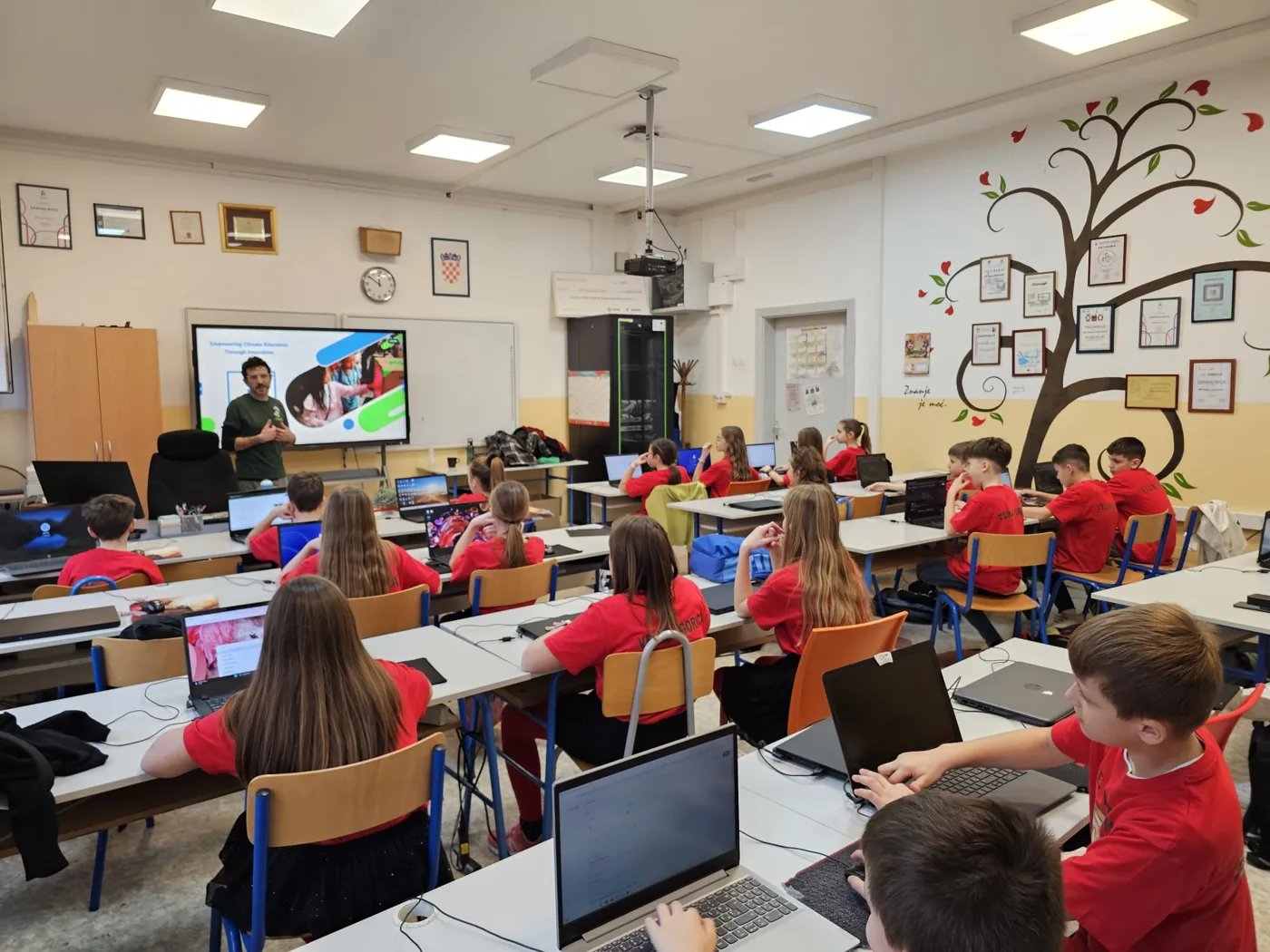
The planned journey, from walking into the classroom to seeing every group's data.
From the classroom laptop or tablet, with nothing to install.
Each P-Bit in the classroom is linked to its team's name.
The panel will show the data from every team at once. At the end, the CSV for analysis or for assessing the Learning Situation.
Four activities you can already do by noting down what each P-Bit's screen shows. Data Dashboard will make them quicker.
Each team measures the temperature of their table and writes it on the board. Who is warmest? Students debate the heat island effect and how spaces are ventilated.
Each team looks after a plant pot with the soil probe and notes the moisture every day. At the end of the week, the data show which team kept it most stable.
Different groups measure at the same time in different areas of the school and compare which is noisiest during break or class.
P-Bits facing the sun at different angles. Comparing the light each one measures shows how tilt and shade affect energy capture.
What we can tell you today about Data Dashboard, which is in development.
Contact us directly