P-Bit User Guide
What Is the P-Bit?
The P-Bit is a mini environmental computer. You connect it, turn it on, and it starts measuring what's happening around you: air temperature, how much humidity there is, whether there's a lot or a little light, the noise level, whether a plant's soil is dry, and even the temperature of a probe you can dip into water or soil.
It has a colour screen, an LED that changes colour depending on what it detects, and a beep that warns you when something goes outside the range you configure. Everything is controlled with a single wheel: the encoder.
The 6 Sensors
Measures air Temperature and Humidity (DHT11), Light, ambient Sound, Soil moisture, and liquid Temperature (DS18B20).
LED / Screen / Buzzer
160×128 px colour TFT screen, an RGB LED that shows the status with a colour code, and an internal buzzer for navigation beeps and alerts.
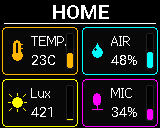
Turn with ⟲ ⟳, press with ● and use “Hold 1.2 s” for the long press (or the ← → arrow keys and the space bar). It runs the real firmware code: this P-Bit behaves like the real one.
First Power-On
Your first minute with the P-Bit is very simple.
- Connect: Power it via USB-C. The screen turns on immediately.
- Choose the language: Turn the wheel to choose between Spanish, Catalan, or English.
- Confirm: Press the wheel to confirm. Done! The P-Bit will remember this forever, even if you turn it off.
The Encoder: Everything in One Button
A single rotary wheel is your entire control. It has three gestures:
| Turn | Switch screens, move through menus, and adjust numeric values. |
| Short press | Confirm a selection or trigger a quick action (like pausing the timer). |
| Long press (~1.2s) | Open the settings menu for the current screen. |
The Screen Flow
Turn the encoder to cycle through the screens. The order is always the same:
Use the buttons, or the ← → arrow keys and the space bar. It runs the real firmware code: the virtual P-Bit behaves like the real one.
⟳ Turning goes round the carousel in this order and, after System, back to Home.
- 1Home
- 2
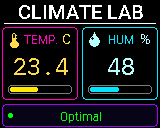 Climate Lab
 - 3
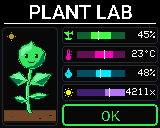 Plant Labonly with the soil sensor
 - 4
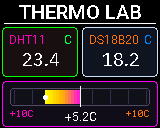 Thermo Lab
- 5
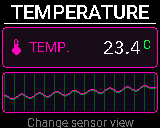 Temperature
 - 6
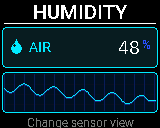 Humidity
 - 7
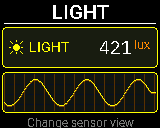 Light
Light - 8
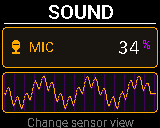 Sound
Sound - 9
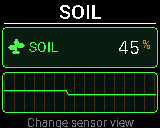 Soil
Soil - 10
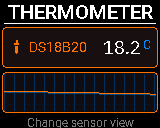 Thermometer
- 11
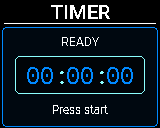 Timer
Timer - 12
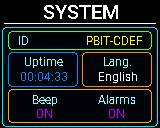 System
● Pressing on a sensor changes the view, and each sensor remembers the last one:
Main → Range → Info → Data → Curve ↺
On Sound: Main → Sound VU → Sound Wave → Range → Info → Data → Curve ↺
●● Holding for 1.2 s opens the settings menu of the sensor, Plant Lab or System. On Timer it opens the editor (or resets) and on Home it starts demo mode.
Screens generated from the firmware code (version of 12 October 2026) with sample values, at the screen's real resolution (160 × 128 pixels).
Quick actions (without opening a menu)
| Screen | What the short press does |
|---|---|
| Temperature, Humidity, Light, Sound, Soil, Thermometer | Changes the view of that sensor (Main → Range → Info → Data → Curve). Long press opens its settings menu, where the °C/°F unit lives. |
| System | Turns the beep on or off. Long press opens the System menu. |
| Timer | Starts or pauses. Long press opens the editor when stopped, or resets it. |
| Home and the Labs | No short-press action. Long press: on Home it starts demo mode; on Plant Lab it opens its settings. |
🌡️ Air Temperature
Measures ambient heat with a tank-style visual that changes colour: blue when it's cold, green when optimal, red when it's hot.
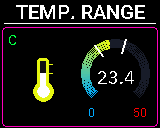
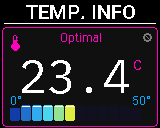
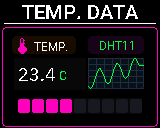
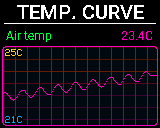
Screens generated from the firmware code (version of 12 October 2026) with sample values, at the screen's real resolution (160 × 128 pixels).
DHT11
0°C to +50°C
± 2°C
Over 2 s between readings
Move the slider: the number, scale, colour and status are drawn by the P-Bit firmware with its factory limits. The buttons change the view, like pressing the encoder.
Keep in mind that the internal sensor can heat up slightly from internal dissipation if the device has been on for a long time or is plugged into USB. For ultra-precise readings in direct contact, use the external DS18B20 probe.
💧 Air Humidity
Shows how much humidity is in the air with a horizontal bar. You can define what counts as "Dry" and what counts as "Very Humid".
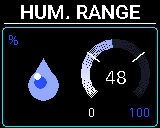
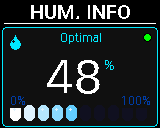
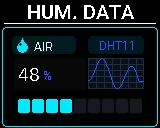
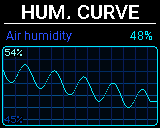
Screens generated from the firmware code (version of 12 October 2026) with sample values, at the screen's real resolution (160 × 128 pixels).
DHT11
20% to 90% RH
± 5% RH
1% RH
Move the slider: the number, scale, colour and status are drawn by the P-Bit firmware with its factory limits. The buttons change the view, like pressing the encoder.
☀️ Ambient Light
Measures light and automatically classifies it: Dark, Dim, Indoor, Bright, or Sunlight.
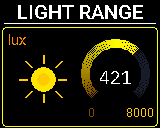
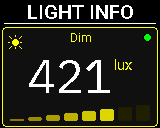
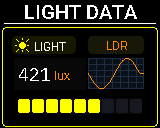
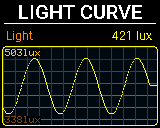
Screens generated from the firmware code (version of 12 October 2026) with sample values, at the screen's real resolution (160 × 128 pixels).
Analog LDR / BH1750
0 to 65,535 Lux
Visible (similar to the human eye)
Move the slider: the number, scale, colour and status are drawn by the P-Bit firmware with its factory limits. The buttons change the view, like pressing the encoder.
You can calibrate the lux thresholds from the menu to adapt them to your classroom or the outdoors. By switching the Visual Mode, you can use the sensor as a photographic tool (Absolute) or a pure engineering one (Raw ADC).
🎤 Ambient Sound
Measures the noise level picked up by the built-in microphone, shown as a VU Meter (intensity percentage).
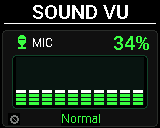
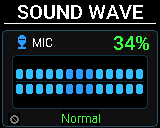
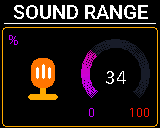
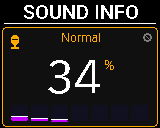
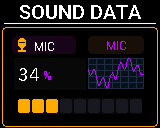
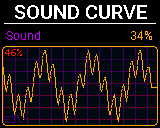
Screens generated from the firmware code (version of 12 October 2026) with sample values, at the screen's real resolution (160 × 128 pixels).
Electret Microphone / INMP441
20Hz - 20kHz
RMS over a 50ms window
Move the slider: the number, scale, colour and status are drawn by the P-Bit firmware with its factory limits. The buttons change the view, like pressing the encoder.
🌱 Soil Moisture (J6 Port)
External capacitive probe. It doesn't corrode on contact with water and measures soil or pot moisture reliably.
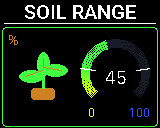
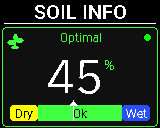
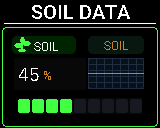
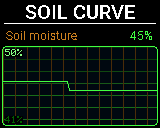
Screens generated from the firmware code (version of 12 October 2026) with sample values, at the screen's real resolution (160 × 128 pixels).
Crowtail Capacitive Moisture V2.0 (Elecrow)
HY2.0-4P, 2.0 mm (IO35, red)
3.3–5 V
Move the slider: the number, scale, colour and status are drawn by the P-Bit firmware with its factory limits. The buttons change the view, like pressing the encoder.
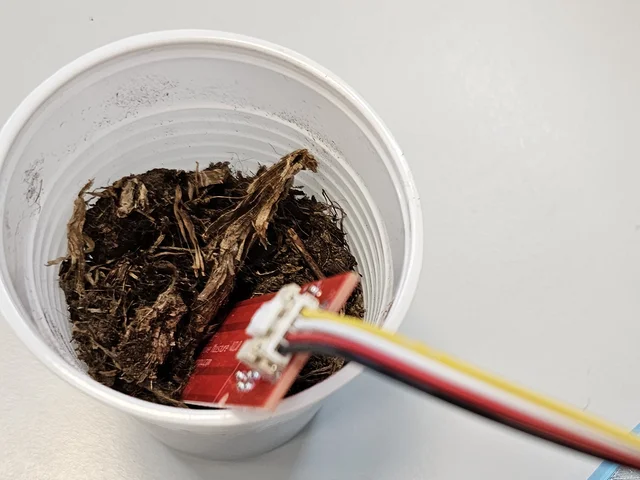
Hardware care: Remember that the electronics at the top of the probe (where the wires are) are NOT submersible. Sink the probe into the soil only up to the white dividing line.
🧊 DS18B20 Probe (External Temp.)
Waterproof stainless-steel probe (black cable). Used to measure temperature in liquids, deep soil, or ice. It is Elecrow's Crowtail One Wire Waterproof Temperature Sensor 2.0: a 6 × 30 mm stainless-steel tube on a 90 cm cable. The chip reads up to 125°C, but the manufacturer advises staying below 100°C because the cable is PVC.
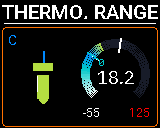
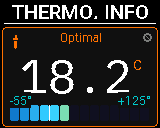
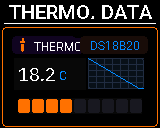
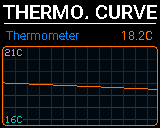
Screens generated from the firmware code (version of 12 October 2026) with sample values, at the screen's real resolution (160 × 128 pixels).
Digital One-Wire
-55°C to +100°C (cable limit)
±0.5°C (-10 to +85°C)
Move the slider: the number, scale, colour and status are drawn by the P-Bit firmware with its factory limits. The buttons change the view, like pressing the encoder.
⚙️ System and Sleep (ZZZ)
Manages the device's overall behaviour and power saving.
Screens generated from the firmware code (version of 12 October 2026) with sample values, at the screen's real resolution (160 × 128 pixels).
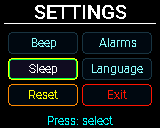
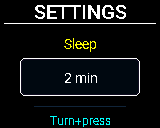
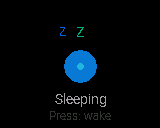
Screens generated from the firmware code (version of 12 October 2026) with sample values, at the screen's real resolution (160 × 128 pixels).
The screen has no hardware brightness control, so there is no brightness setting in this menu. There are no Wi-Fi or Bluetooth options either: this firmware version does not include them.
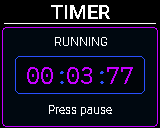
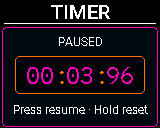
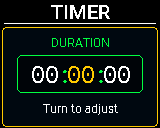
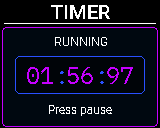
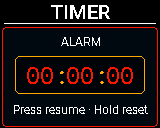
Screens generated from the firmware code (version of 12 October 2026) with sample values, at the screen's real resolution (160 × 128 pixels).
● starts or pauses. “Hold 1.2 s” resets or, with the Timer stopped, opens the duration editor: ⟲ ⟳ pick hours, minutes or seconds, ● edits the field, ⟲ ⟳ change the value and “Hold 1.2 s” saves the countdown.
Each sensor keeps its own history: pick one and watch Curve fit its scale between the minimum and the maximum on its own.
🔔 Global Alert System
Critical Alarm Simulator
Press to see how the P-Bit reacts when a threshold is exceeded.
This happens even if you're on the Light or System screen. The P-Bit is always measuring everything in the background.
Hardware, Ports & Logic
The P-Bit is built with a Maker philosophy. It's fully transparent.
USB-C Port
Mainly for charging and updating the P-Bit's firmware. It can also power it from a computer. It exposes no file-editing mode, so nothing can be deleted by accident in the classroom.
I2C Bus (Blue)
Expansion ports for smart sensors. Industry-standard protocol for maximum compatibility.
J6 Port (Yellow)
High-precision analog input dedicated to the capacitive soil moisture probe.
Wi-Fi and Bluetooth
The ESP32 has Wi-Fi and Bluetooth in hardware, but this firmware version has no network settings or Bluetooth pairing. The P-Bit works completely on its own, with no connection and nothing to install.
Hard Reset
Physical rear button. Restarts the operating system without affecting settings or calibrations.
The parts of the P-Bit, one by one
Photos of a real P-Bit v3, with the model of each part and a link to its manufacturer's documentation. Where a figure in this guide differs from the manufacturer's, the manufacturer's is the one that counts.
Microcontroller
ESP32 · EspressifThe brain of the P-Bit. It has Wi-Fi and Bluetooth, which the current firmware does not use. It cannot be seen in the photos of the board.
Screen
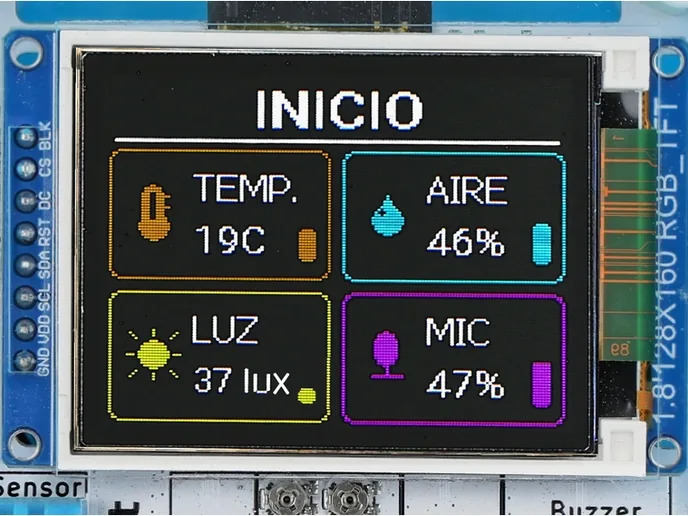
TFT 1.8" · 160×128 · ST7735 (Sitronix)1.8-inch colour screen in landscape, connected over SPI. No touch and no brightness control.
Air temperature and humidity
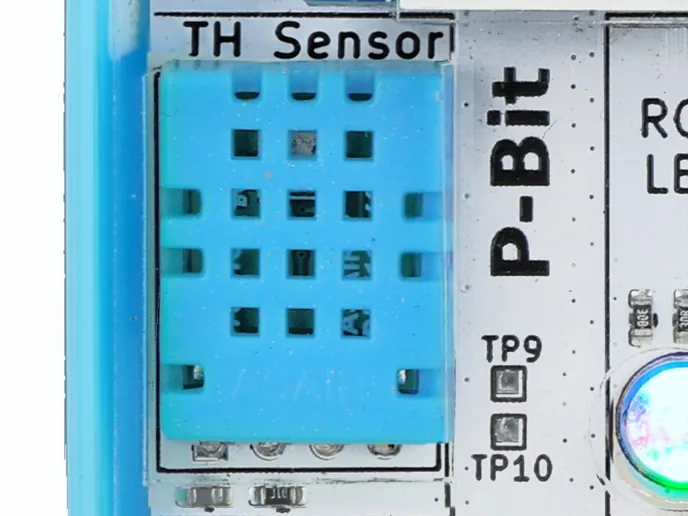
DHT11 · AosongThe blue part with a grille. It measures air temperature and relative humidity, and takes a few seconds to settle after switching on.
Light
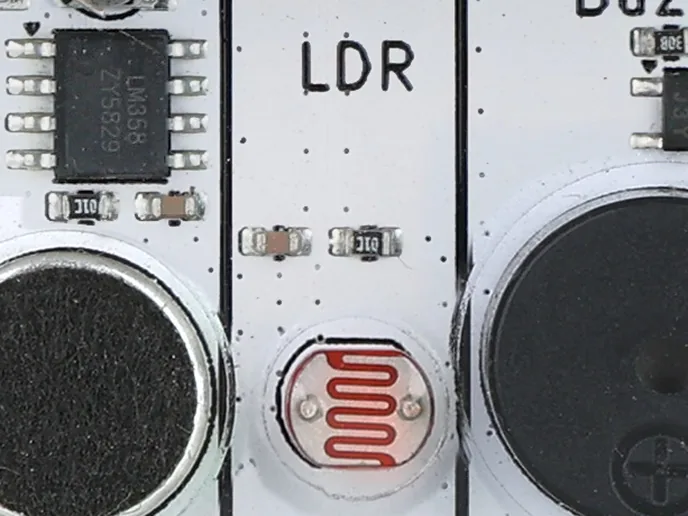
LDR · GPIO39A photoresistor: its resistance drops the more light it receives. The P-Bit switches its LED off while measuring light so it does not skew the reading.
Sound
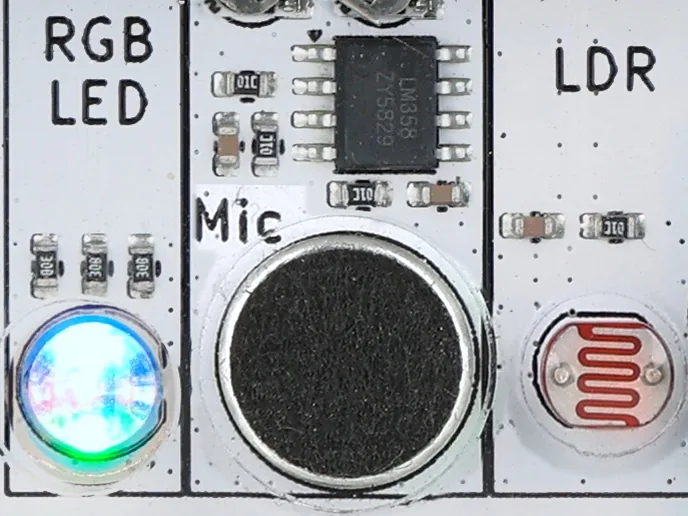
Electret GM19767P + LM358Electret capsule with an LM358 amplifier (the black chip above it). It measures relative noise level, not calibrated decibels.
Soil moisture
Crowtail Capacitive Moisture V2.0 · ElecrowRed capacitive probe that goes into the soil up to the marked line; it is not submersible. It plugs into the red port (IO35) and must be calibrated dry and wet.
Temperature in liquids
Crowtail One Wire Waterproof 2.0 · Elecrow · DS18B20 chipWaterproof 6 × 30 mm stainless-steel tip on a 90 cm cable. It plugs into the black port (IO33). Keep it below 100°C: the cable is PVC.
Status LED
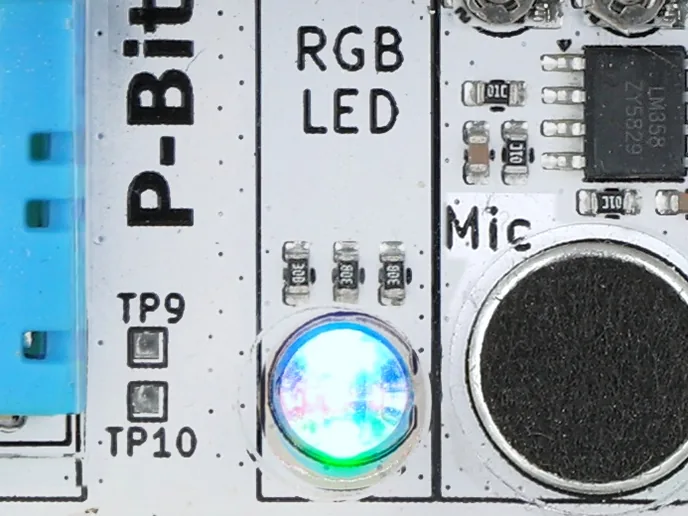
LED RGB 5 mm · GPIO5/17/16A three-colour LED that mirrors the screen colour, so you can read the P-Bit's status from a distance.
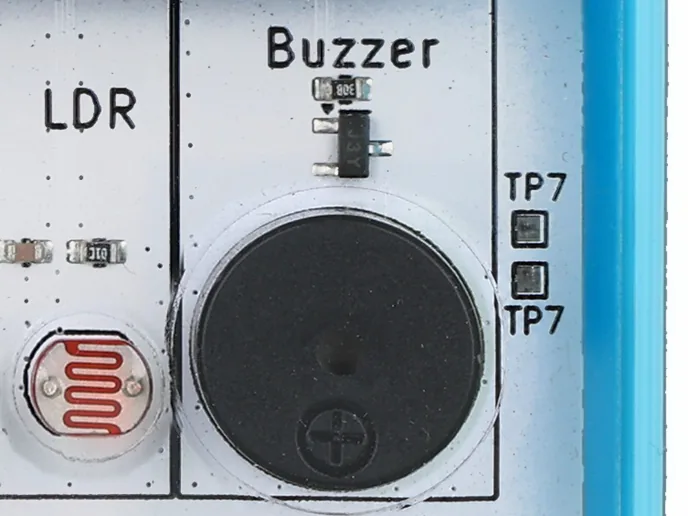
Buzzer
Passive buzzer · GPIO18Passive buzzer for navigation beeps and alarms. Each can be switched on or off separately in System.
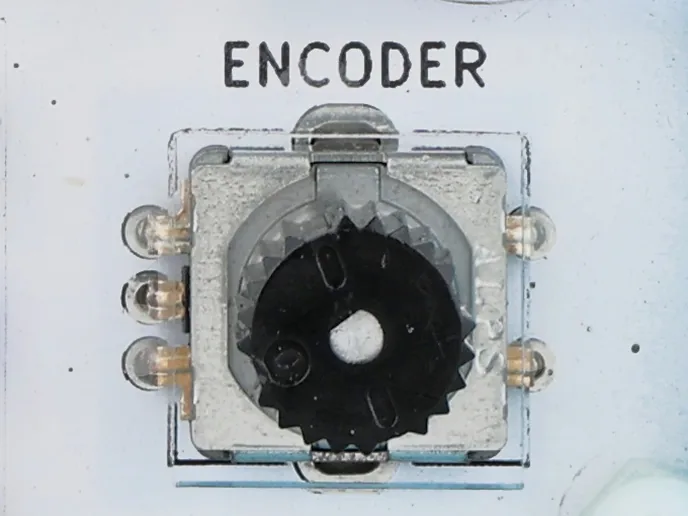
Control wheel
Rotary encoder · GPIO14/12/13Rotary encoder with a push button: turn it to move through the menus and press it to choose. It is the P-Bit's only control.
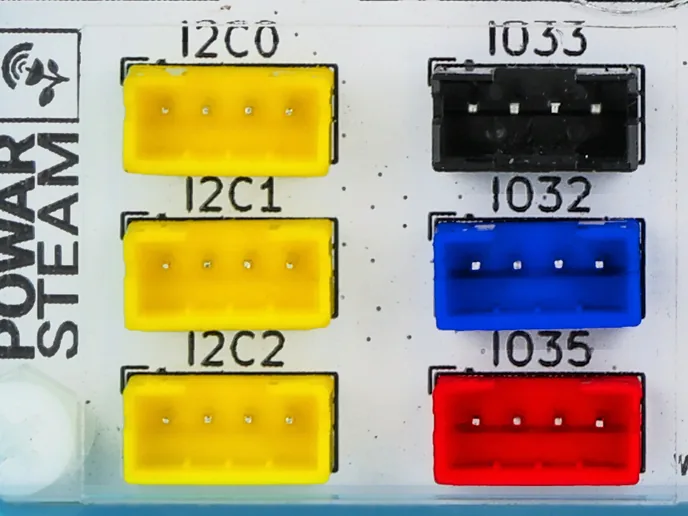
Expansion ports
HY2.0-4P · 2.0 mm × 6Six 4-pin connectors, compatible with Grove and Crowtail: three I2C (yellow), soil (red), thermometer (black) and one free (blue).
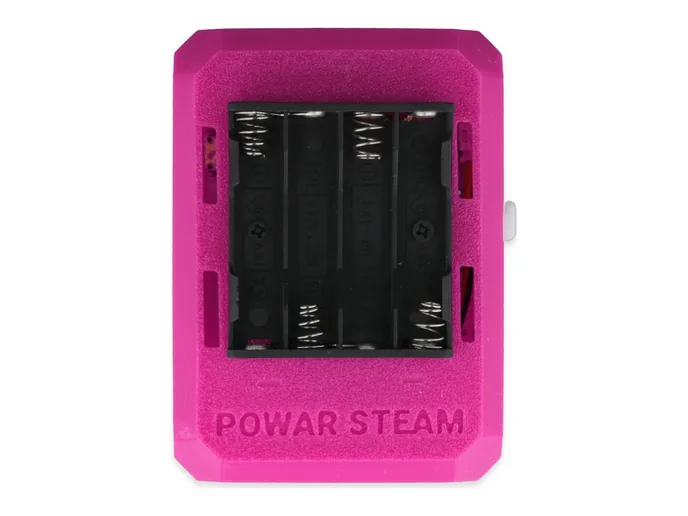
Power
4 × AAA · USB-CIt runs on 4 AAA batteries, preferably rechargeable. The USB-C port is for firmware updates and can also power it.